
Product Manuals and USB Downloads
Timer Manuals
| Manual Title | Description | Document Title |
|---|---|---|
| Timer II Quick Start (Serial) | Initial set up instructions for the SmartLine Timer II with Serial COM and USB to Serial Converter. | Quickstart for Serial V9.pdf |
| Timer II Quick Start (USB) | Initial set up instructions for the embedded USB SmartLine Timer II. | Quickstart for USB V9.pdf |
| Timer I Quick Start | Initial set up instructions for the Original SmartLine Timer I. | Quickstart V7.pdf |
| Custom Track Installation | Install instructions for SmartLine timer sensors into a custom Pinewood Derby® track. | SmartLine_Installation V4A.pdf |
| Space Derby® | Installation for the switch style sensors on the Space Derby® track. This is the style of sensor currently sold. | SmartLine_SpaceDerby V9.pdf |
| BestTrack® Space Derby® Track |
Instructions for setting up a BestTrack® aluminum track. | SpaceDerbyTrackInstructions.pdf |
| Photo Finish Ver 7.2 |
Photo Finish installation and users manual. | SmartLine_PhotoFinish V7R2.pdf |
USB to Serial Drivers
| Driver | Description | Document Title |
|---|---|---|
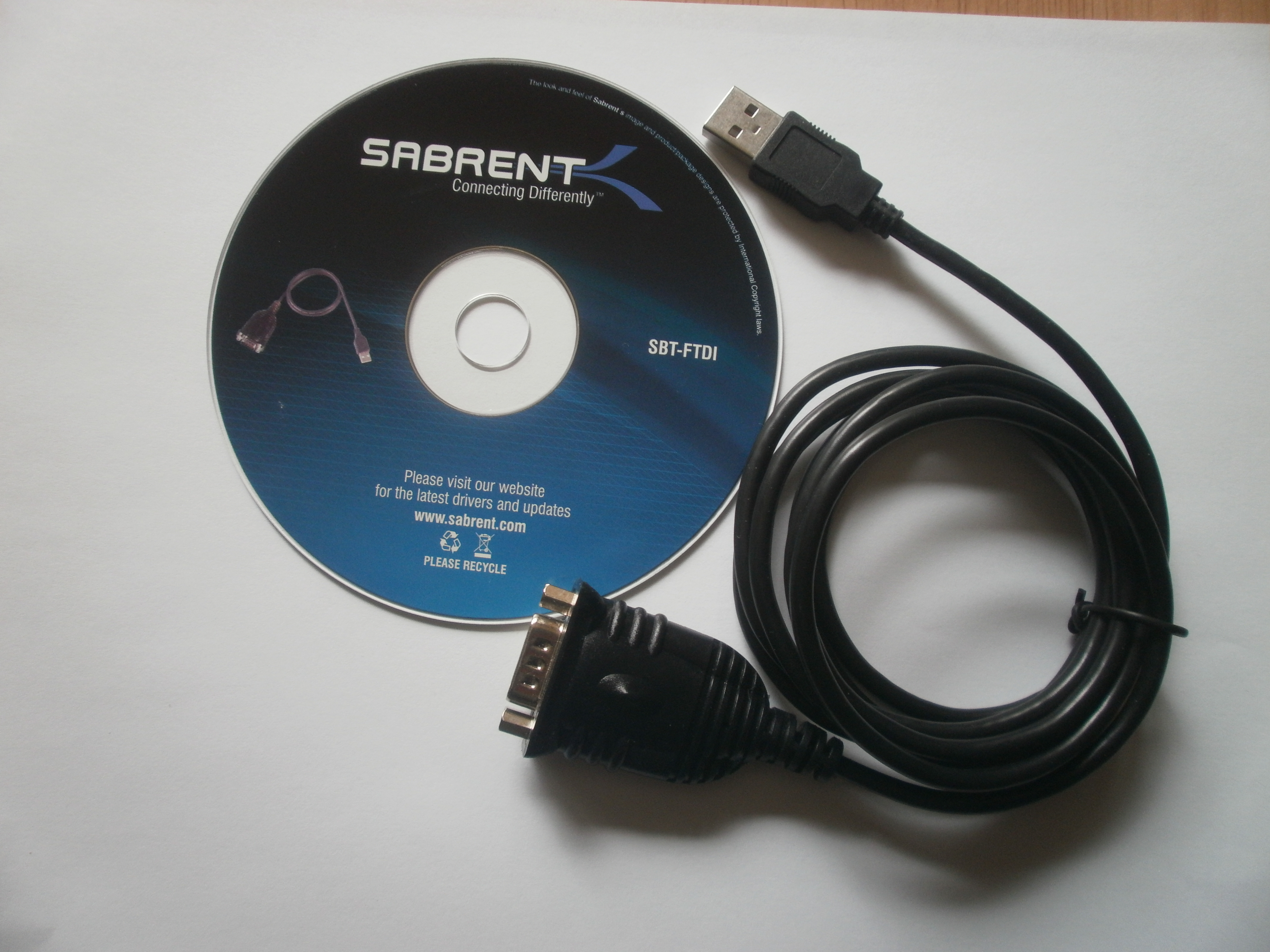
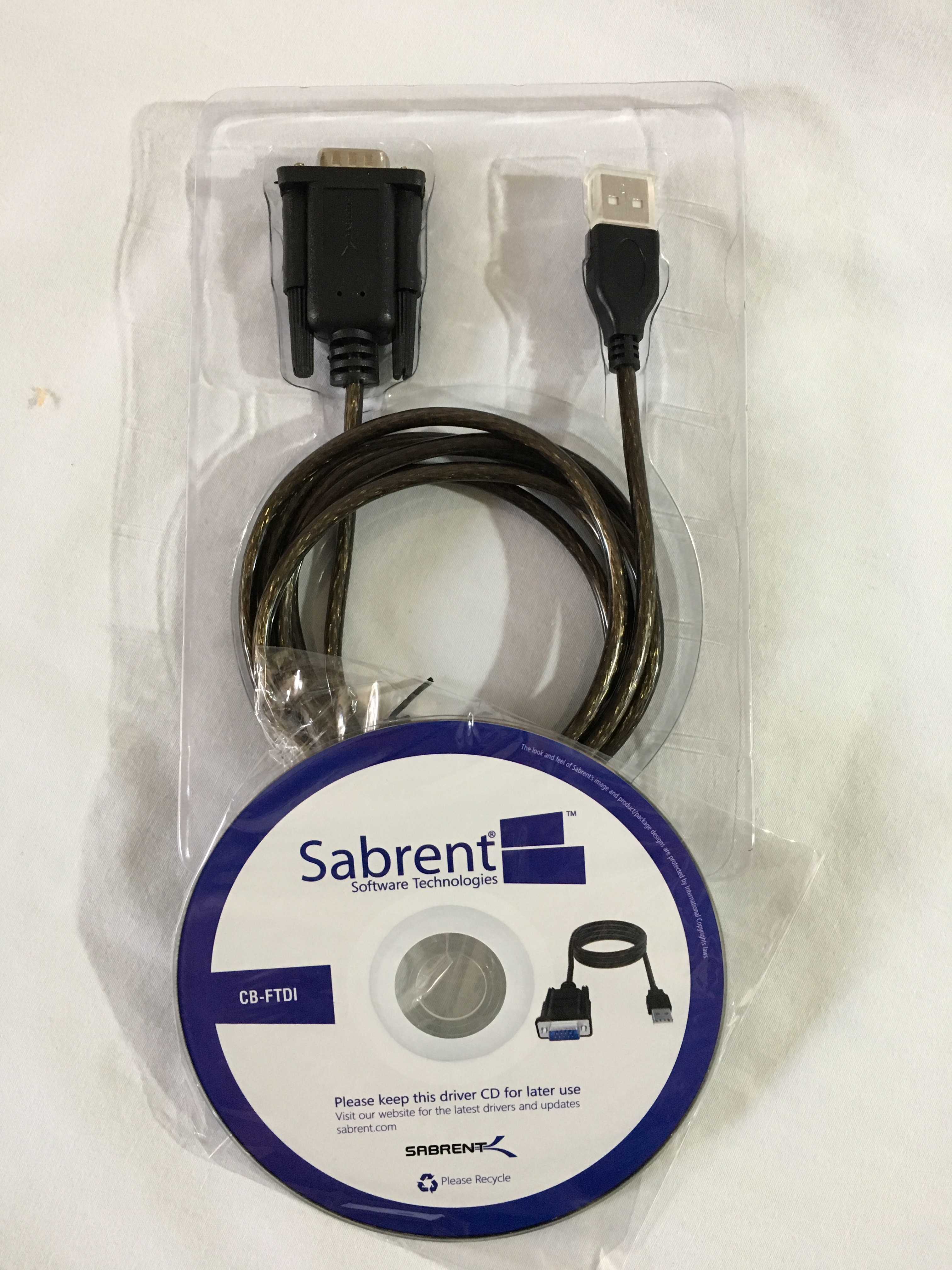
| Sabrent - CB-FTDI |
Driver for SBT-FTDI OR CB-FTDI converter currently sold (after Nov. 1, 2012).
This zip file contains the Windows driver setup program CDM21228_Setup.exe for models
SBT-FTDI
and CB-FTDI. See special note below table. |
CDM21228_Setup.zip |
| FTDI Chipset all platforms |
FTDI Website contains drivers for all platforms for converter currently sold. Select appropriate VCP driver from the list on the FTDI website. | FTDICHIP.COM |
| Sabrent all models |
Sabrent website for the zip file of drivers and additional information. Use the search for the current FTDI model or the PROLIFIC model sold before 2012, SBT-USC1K. | Sabrent Website |
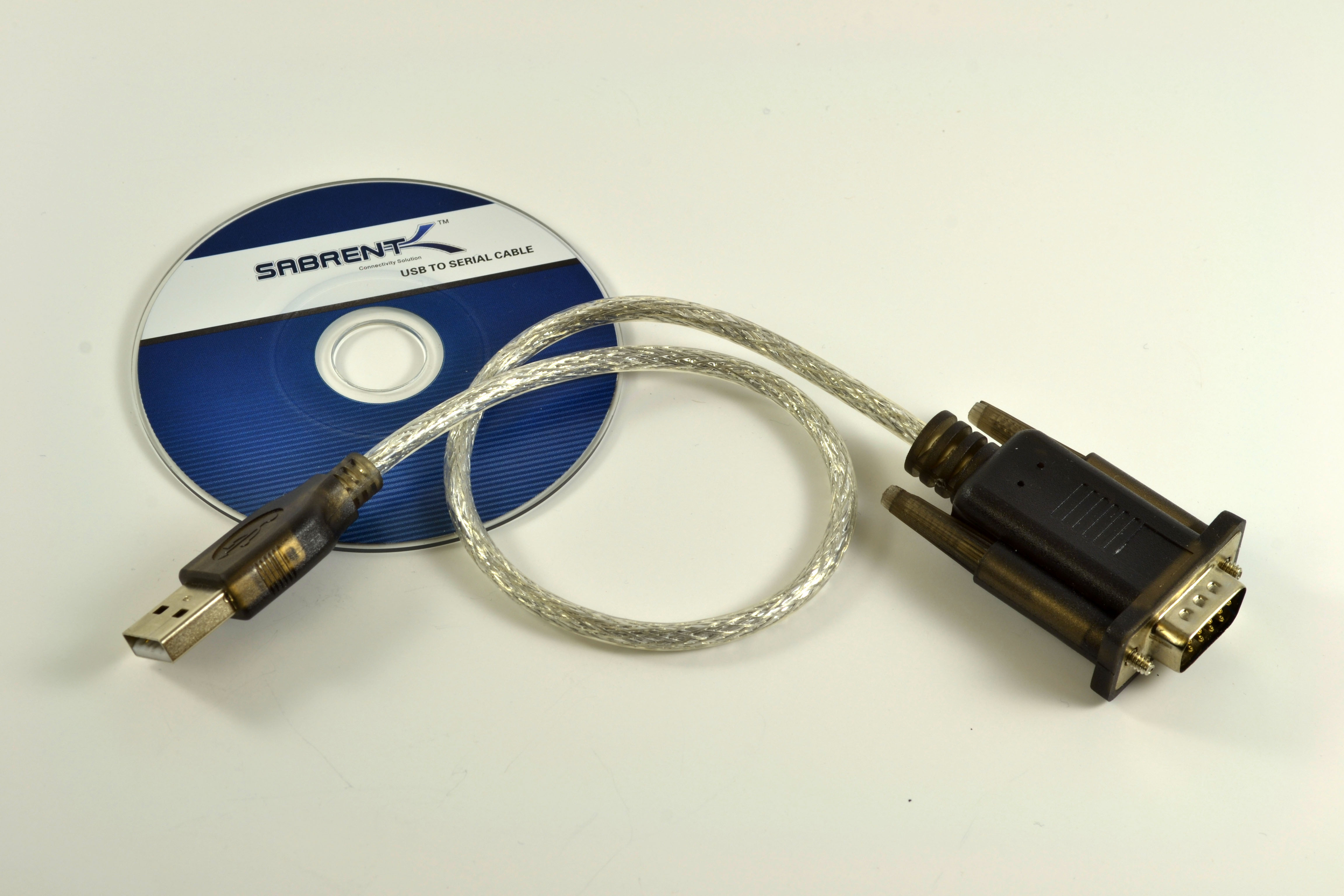
| Sabrent - SBT-USC1K |
Driver for converter sold prior to Nov. 1, 2012. This model is based on the Prolific chipset. | SBT-USC1K.zip |
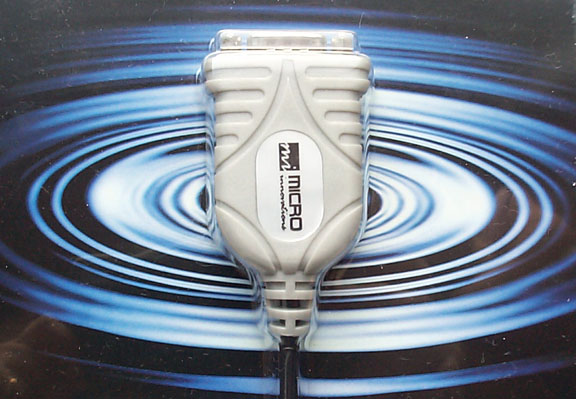
| MicroInnovations Serial Driver | MicroInnovations USB to Serial converter previously sold (prior to 2009). | MicroInnovations |
| Alcor Serial Driver | Alcor USB to Serial converter previously sold (prior to 2006). | Alcor |
Special Note: SBT-FTDI vs. CB-FTDI
We sold the Sabrent model SBT-FTDI from 2012 through Spring of 2019. We switched to the CB-FTDI model this year. The only difference between these two models is that the CB-FTDI has thumbscrews and the SBT-FTDI has hex nuts. The thumbscrews model can be attached to either the new cpu or the serial extension cable. The driver for both models SBT-FTDI and CB-FTDI is in this ZIP file.

 © 2004-2022 eTekGadget · All rights reserved ·