SmartLine Features
Physical Features:
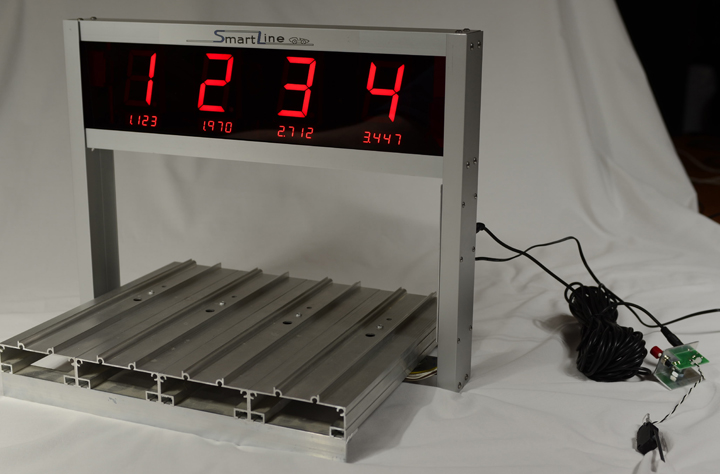
- 1 to 6 lanes supported. 8 lane currently unavailable.
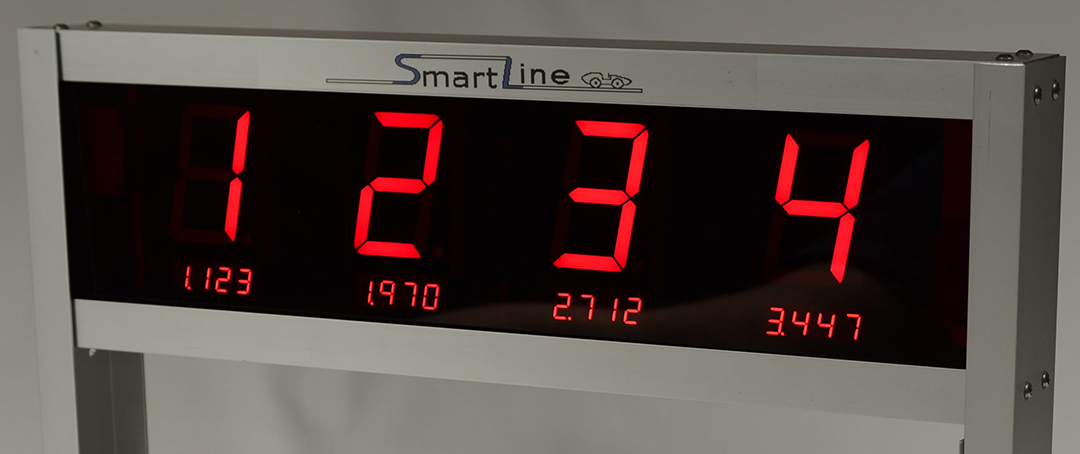
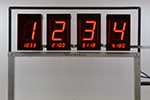
- 4 styles of displays: Single or Double sided placement with or without time.
- Large (2 ¼ inch) placement displays. Bright, clear and readable across a large room.
- Detection Sensors are encased in molded plastic to keep the wires safe and secure.
- Display with time and placement shown on front is a popular option.
- 6-7 inch clearance above track for more creative cars and semi races. It is the most generous of all timers.
- Standard (3.5" center to center) lane placement or Custom fit.
- Works with Remote Start Gates.
- Will not reset timer when the gate is closed while racing. Reset by program control, automatic timeout or push button.
- Factory pre-drilled holes in tracks available from BestTrack and Piantedosi/Microwizard.
 Computer Interface:
- Use with or without a computer connection.
- Computer interface is standard.
Follow link for Race Management Software compatibility.
- Flexible data output configuration.
Lane, number of decimals and Place values are selectable.
- Your preferences such as number of decimals stored in non-volatile memory
within the finish line computer unit.
- USB Serial Converter available.
Race Times:
- Race times resolved to .00005 seconds.
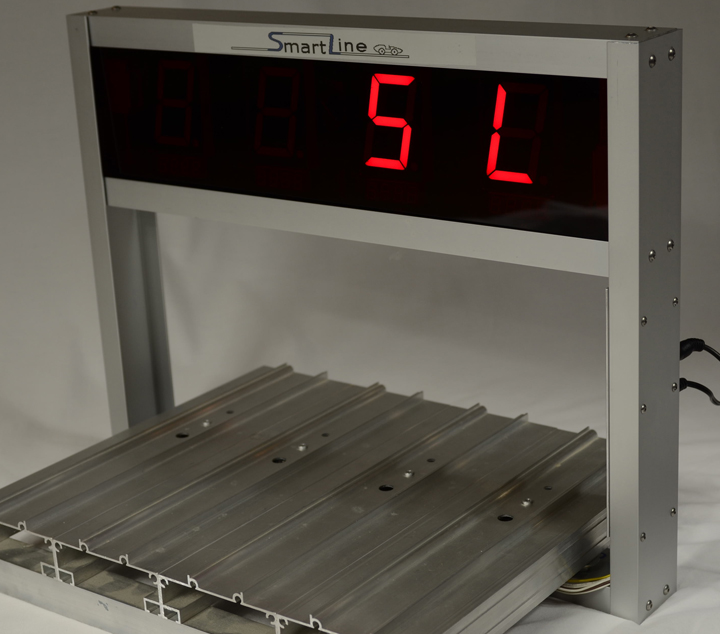
Timer shows "SL" at startup
- Race times selectable to Bend 3,4 or 5 decimals
- Certificate of Measurement provided with deviation from 5.00000.
Reset/ Start Gate/ Sensors:
- Start gate switch and reset button included on Start Gate Harness Assembly.
- Timed automatic reset (settable time or disabled).
- Reset button available for use even with timed reset set.
- Built-in sensor Infrared illuminators (no lamps are required).
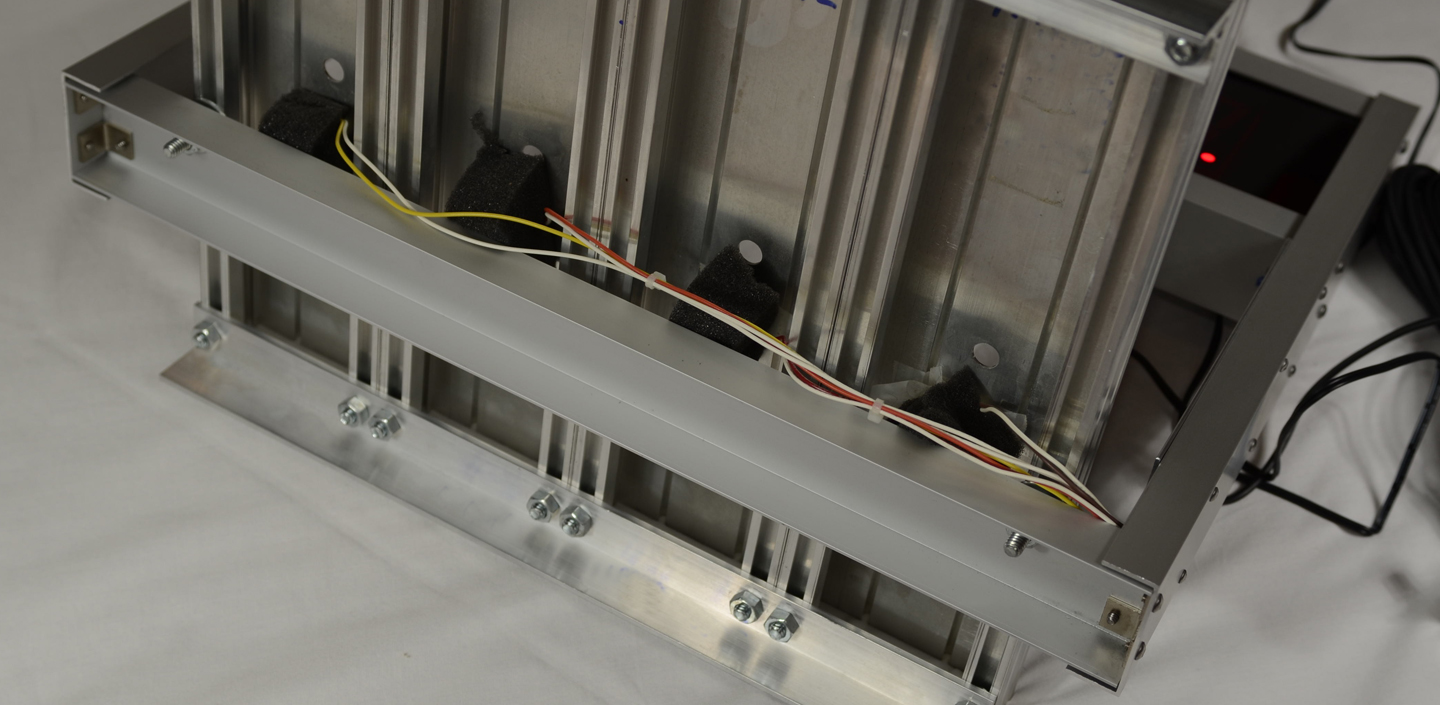
- Molded sensors are rugged and easy to align.
Testing and Setup of Timer:
Sensors mounted on metal bar under track
- Built-in test functions included to test finish line sensors and switches.
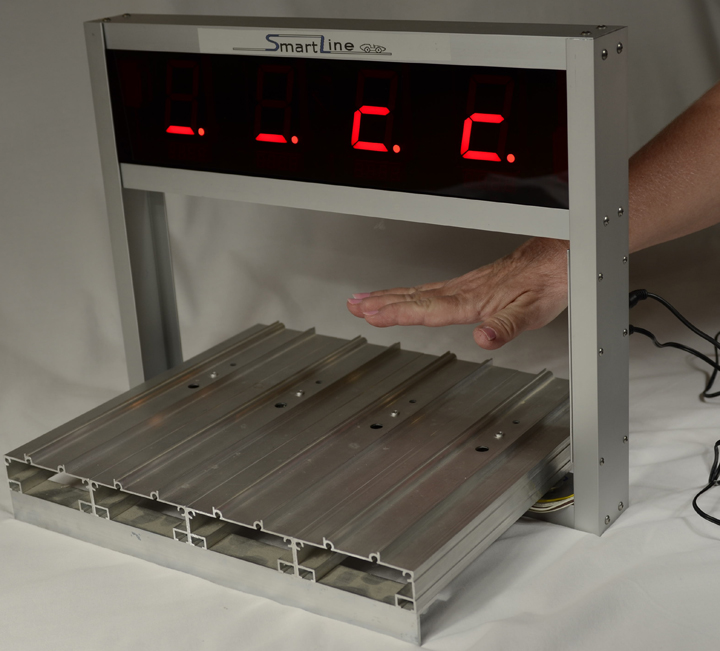
Easily test sensors by holding reset switch down for 3 seconds to enter test mode. Press the reset button again more quickly to exit test mode.
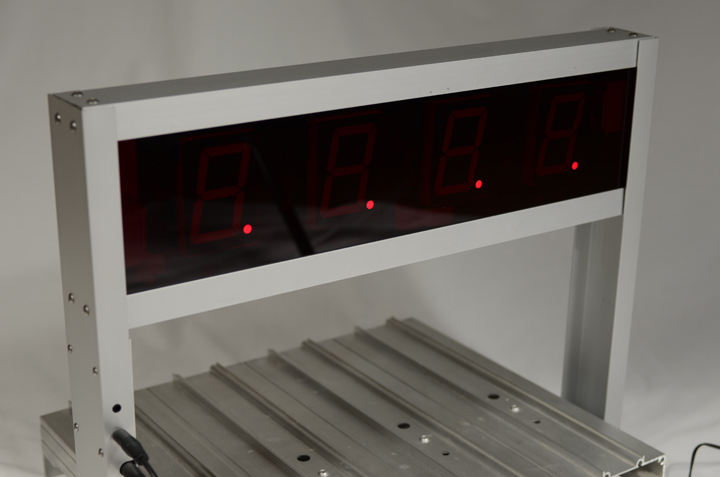
- Display shows a small c if there is an object covering sensor after any reset.
- Display shows a period if the start gate is still open after the timer resets.
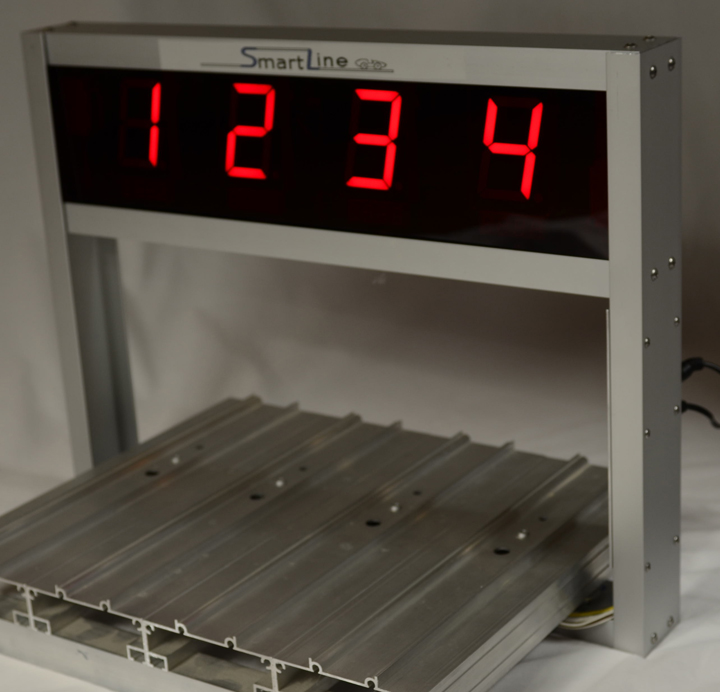
- Utility Program,LineSetup4, provided with every timer.
Space Derby® sensors:
Easy to install. System includes Windows setup program,
Installation Manual and Command Manual.
Cases:
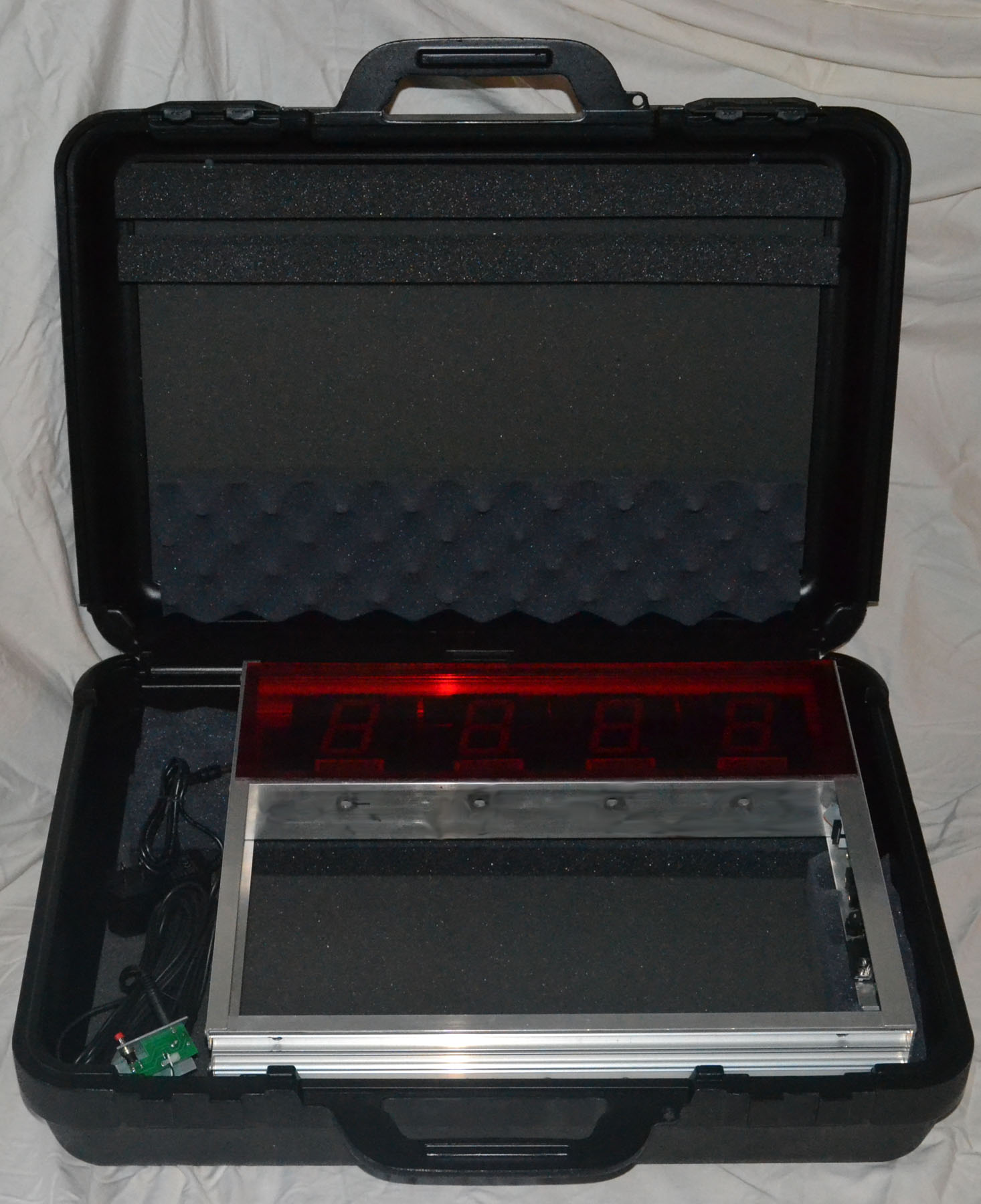
- A great way to store everything in one place. No more lost CDs.
- Foam inserts custom designed to keep the timer clean, safe and secure.
- Three styles available: Small (1-4 lanes), Small locking and Large (5-8 lanes).
 Mounting:
- Custom mount as shown on the 8 lane timer below.
- Piantedosi Freedom mount as shown on 3 lane timer to the far right.
- BestTrack mount same as custom except foam pads added to hold sensors in place
shown to the right in a case. If your cursor changes to a hand, you may click on the image to see a larger image.
- If you want Double Sided with time displays, order the Champ from BestTrack.

 Detailed Info
